Apple Health and activity in Carnivor
Connecting Apple Health adds recorded movement and workouts to your daily context. You choose the read permissions, and the available activity depends on what Health has recorded and what you allow Carnivor to access.
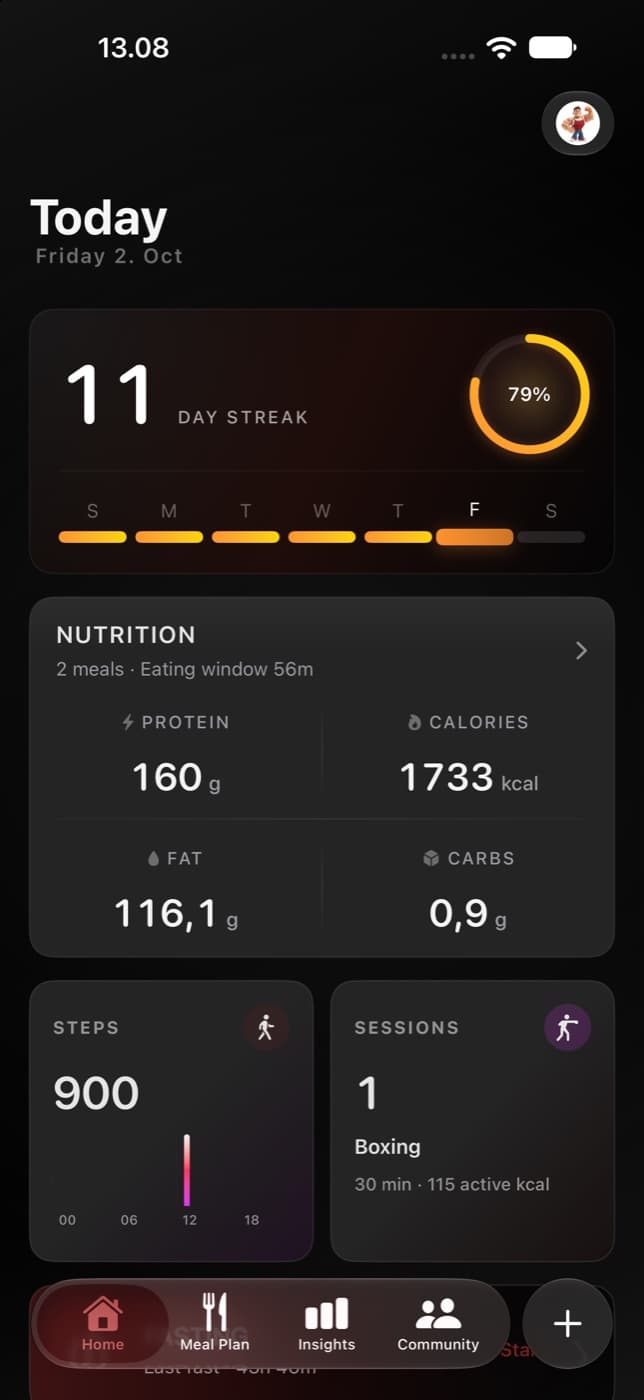
Connect Apple Health
- Choose Connect Apple Health when Carnivor offers its activity introduction. You can choose Not now instead.
- Review the system permission sheet and allow the data types you want to share with Carnivor.
- Return to Today and open Steps or Sessions to review the available activity.
The connection requests read access. This activity integration does not request permission to write Health data. A completed permission dialog does not prove that every read permission was granted.
What the integration requests
| Health data | Context in Carnivor |
|---|---|
| Step count | Daily steps and step trends. |
| Active energy burned | Recorded active calories. |
| Apple exercise time | Recorded exercise minutes. |
| Walking and running distance | Available movement distance. |
| Workouts | Recorded training sessions and their details. |
| Heart rate | Available average and session heart-rate details for workouts. |
| Workout effort and estimated workout effort | Optional effort context on supported iOS versions (iOS 18 and later). |
Permission to read a type does not mean there will be a value for every day or workout. The Health store may have no corresponding samples, a source device may not record them, or access may be limited. This integration does not request sleep, body weight, or blood glucose.
Why activity appears beside nutrition
Today puts movement and sessions alongside meal and fasting records. Activity details can refer to the selected day’s logged protein, calories, planned meals, or an active fast when that context exists. These are observations about the available records, not measurements of recovery or a prescribed calorie budget.
Activity does not contribute points to the historical Carnivore Score. Missing step data also does not mean Carnivor should assume you were inactive.
If steps or workouts are missing
- Check that the activity exists in Apple Health for the date you are viewing.
- Review Carnivor’s Health read permissions using the Health or system settings available on your iPhone.
- Return to Carnivor and refresh the activity view. Check the selected date, not just today.
- If only one metric is unavailable, review permission and source data for that specific metric.
HealthKit read privacy can make a denied type look like an empty result. Carnivor cannot always distinguish “no recorded samples” from “permission was not granted.” An empty field is not proof of zero activity.
Permissions and privacy
You can change or revoke read permissions through Apple’s Health permission controls. Activity insight text uses on-device generation when supported, with a local fallback when that model is unavailable. That statement applies to the activity insight component; it is not a claim that every Carnivor feature works offline or that every kind of app data stays only on your phone.
Review the privacy policy for the wider app’s data handling. Connecting Health is separate from choosing to publish a meal or photo to Community.