
A LITTLE CLARITY FOR YOUR EVERYDAY
Guides.
Get to know your routine.
Make the most of Carnivor.
A good place to start
THE ESSENTIALSWhat is Carnivore Score?
Learn how Carnivor calculates Carnivore Score in Insights, why scores can change, and how missing logs affect your historical averages.
4 min read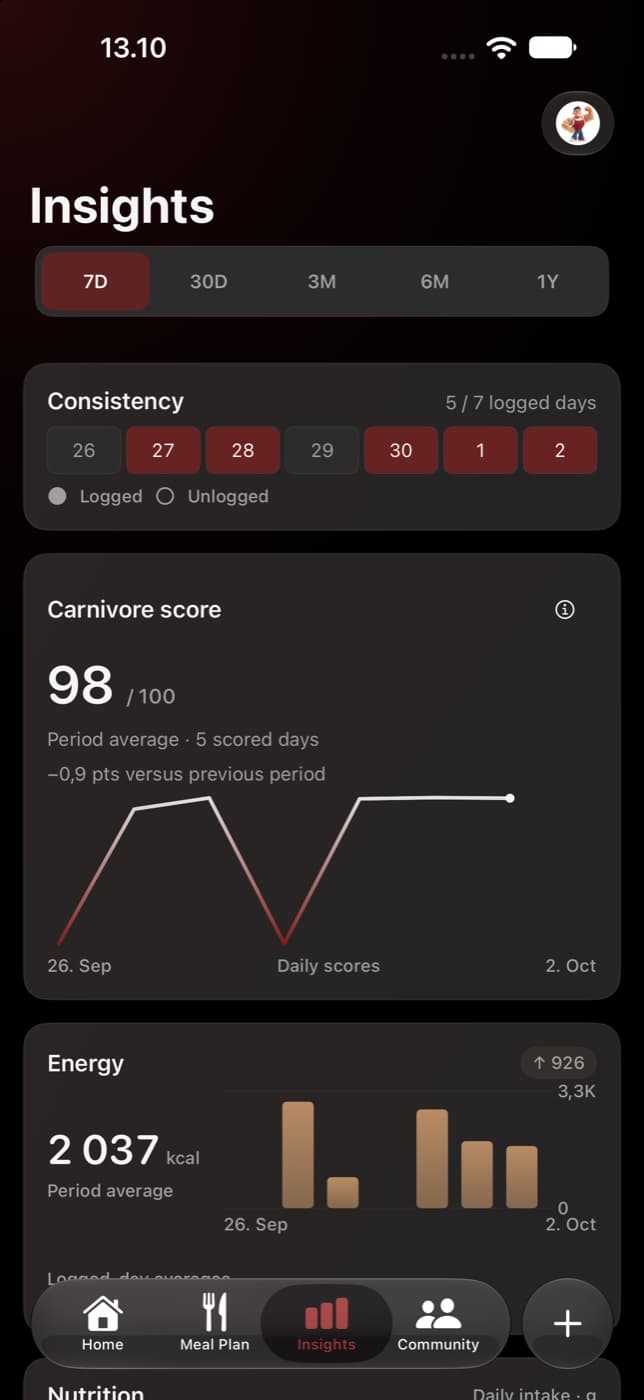
Scan and log meals with AI
Use Carnivor’s AI meal scanner to take or choose a photo, review detected foods, adjust portions, and save a meal to your nutrition log.
3 min read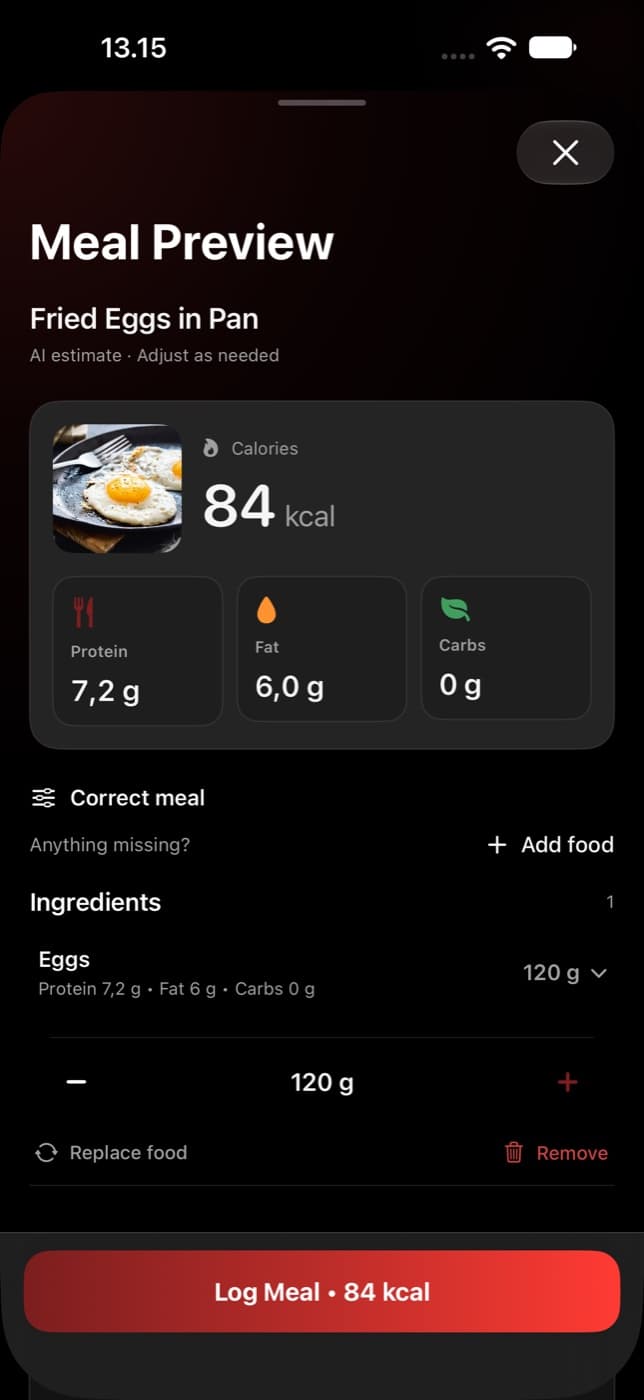
Getting started
From your first scan to a simpler week.
Scan and log meals with AI
Use Carnivor’s AI meal scanner to take or choose a photo, review detected foods, adjust portions, and save a meal to your nutrition log.
Correct an incorrectly scanned meal
Fix a food Carnivor’s scanner identified incorrectly, re-analyse that ingredient, and review the updated portions and meal totals before logging.
Plan your week with Carnivor
Build a weekly meal plan in Carnivor, review AI-generated or manually added meals, adjust portions, and distinguish planned food from logged meals.
Understand your progress
Give your scores and trends the right context.
What is Carnivore Score?
Learn how Carnivor calculates Carnivore Score in Insights, why scores can change, and how missing logs affect your historical averages.
Understand discipline and consistency
Learn what counts toward a Carnivor discipline streak, how fasting days are handled, and why meal-logging consistency is a separate measure.
Understand Nutrition Insights
Read Carnivor’s protein, fat, carbohydrate and calorie trends, compare historical ranges, and understand averages when your logs are incomplete.
Fasting & activity
Your timer, movement, and daily rhythm.
Track fasting in Carnivor
Choose a fasting goal, start and stop your timer, understand the stage labels, and review completed fasts and goal progress in Carnivor.
Apple Health and activity in Carnivor
See which Apple Health permissions Carnivor requests, how activity appears beside your nutrition, and what to check when steps or workouts are missing.
Community
Share intentionally. Find inspiration.
Still need a hand?
We’re here to help with your next step.